

VehicleManager Mobile product updates
February 2026
Vehicle intelligence, anywhere. Introducing VehicleManager Mobile.
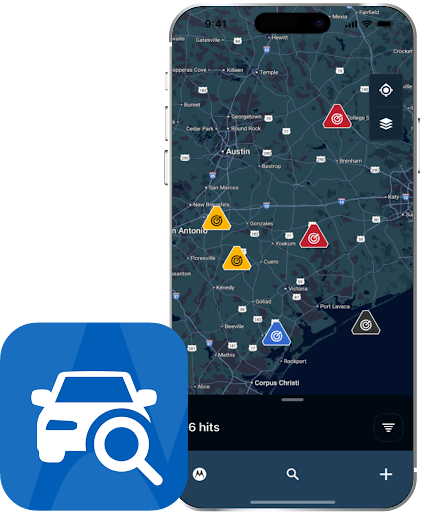
Seconds count in the field. Give your officers instant access to comprehensive vehicle intelligence, which can be the difference between a cold lead and successful apprehension.
VehicleManager Mobile turns your smartphone into a license plate recognition (LPR) analysis tool, providing real-time identification and AI-enabled natural language search to help officers surface critical insights from any location.
Action required: How to download VehicleManager Mobile
VehicleManager Mobile is now available to download for iOS and Android devices. Your existing Mobile Companion subscription automatically grants you access. Simply download the app and log in with your VehicleManager credentials.
-
Easily control access to VehicleManager Mobile within the VehicleManager platform by going to User Management -> Edit User -> Client Permissions.
-
If you have the Mobile Companion (MC) option, you’ll also get the VehicleManager (VM) Mobile option right when it’s launched.
iOS: Apple App Store
Android: Google Play Store
Please note: Camera installation features will remain in the LPR Mobile Companion app.
To learn more, check out the following resources: