
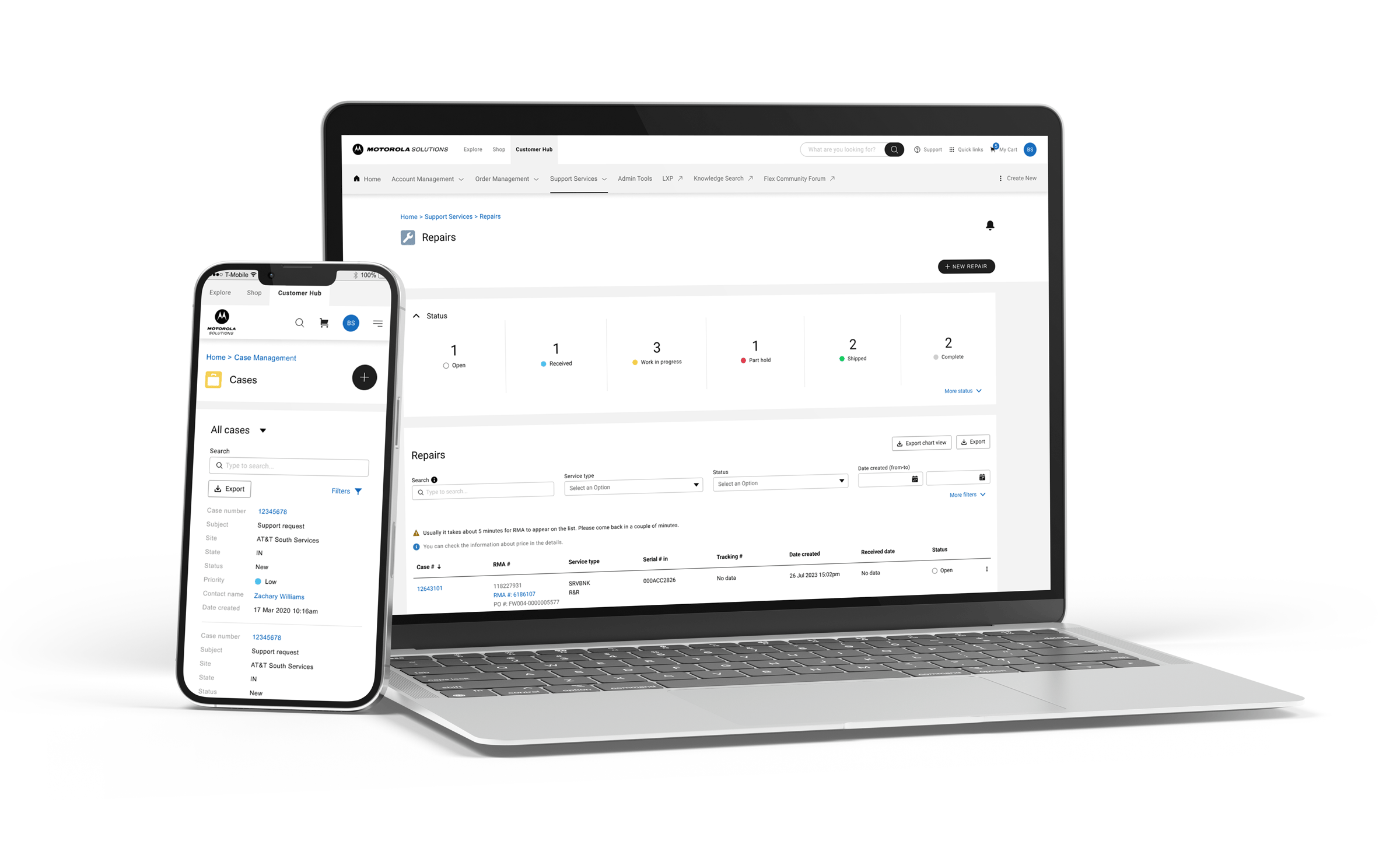
Customer Hub updates
May 2026
The next era of Customer Hub is here
We’re transforming how you work with us!
Beginning May 4, 2026, you can take full control of your business cycle with a powerful upgrade to Customer Hub. We’ve added new tools for quotes, orders and re-orders that help streamline your workflow and save you valuable time.
What's new?
We listened to your feedback and built four highly-requested features to help you work faster:
- Request and track quotes: You can now request quotes instantly as you browse. This feature connects you directly to our sales team and lets you monitor the status in real-time.
- Centralize quote management: Stop digging through your inbox. Our new dashboard organizes all your quotes in one accessible place.
- Order with one click: Boost your productivity by converting approved quotes into active orders immediately.
- Communicate directly: You’ll enjoy clear, two-way communication with our sales team right inside the platform.
Please note: We are providing some customers with early pilot access to these features.
How to get started
Getting ready for the launch is simple. Follow these steps to set yourself up for success:
- Verify account status: Ensure your Customer Hub account is active.
- Log in: Sign in and navigate to “Order Management”.
- Explore: Select “My Quotes” to start exploring the new quoting features.
Please note: To upload existing or new quotes into your “My Quotes” dashboard, please contact your Account Manager or sales representative.
Master the new tools
We want to ensure you hit the ground running. We’ve lined up comprehensive resources to support you:
- Training webinar
Have questions or want a live walk-through? Beginning May 11, you can join us every Monday for our Office Hours webinars. Receive helpful tips from our team and get your questions answered live.
When: Every Monday at 11 a.m. CST (Starting May 11)
Where: Join the live session here (This is a recurring link; you can use the same URL every week!) - Quick-start video library
If you're short on time, check out these tutorials to quickly master specific tasks.
Navigating your new homepage
Requesting and managing quotes
Placing orders and reordering items
Contacting Sales directly through the portal
We're in this together
If you have trouble accessing the new quote features or need technical assistance, please email portal.support@motorolasolutions.com for immediate support.
We can’t wait to see how these new tools help your business grow!
August 2025
Invoice distribution and payment
We’ve made managing your invoices and payments simpler in Customer Hub. From the “Invoice Distribution” tab in your user preferences, you can now manage who receives your e-invoices. You can add, update or delete contacts on your distribution list in near real-time.
Plus, paying overdue invoices is now faster than ever. On your dashboard’s billing management widget, click on the arrow next to your account’s overdue balance. Then select “Pay overdue invoices” to quickly filter and settle payments.
New supported file types for attachments
We’ve expanded the types of files you can attach to cases, including: .log, .evtx files and .zip archives. As well as various video and audio formats, including: .mp4, .wmv, .mwa, .mkv, .webm, .flv, .asf, .avi, .mp3, .mpeg and .mov.
Two-step verification required for your Motorola Solutions online accounts
As part of our commitment to your safety and security, Motorola Solutions now requires two-step verification for accounts on motorolasolutions.com and Customer Hub.
This security measure helps prevent unauthorized access by requiring a verification code when you log in or make profile changes. If you haven’t enrolled, you will be prompted to do so before accessing your account. Visit motorolasolutions.com/mfa for setup instructions and additional information.
New fields added to export reports
You now have more detailed insights with our updated export reports. We’ve added three new date fields to all case types: Last Closed Date, Resolution Date and Last Updated Date. These fields also apply to external cases, giving you a more complete picture of your data.
Enhanced Serial Number Lookup and Contract Drill-Down
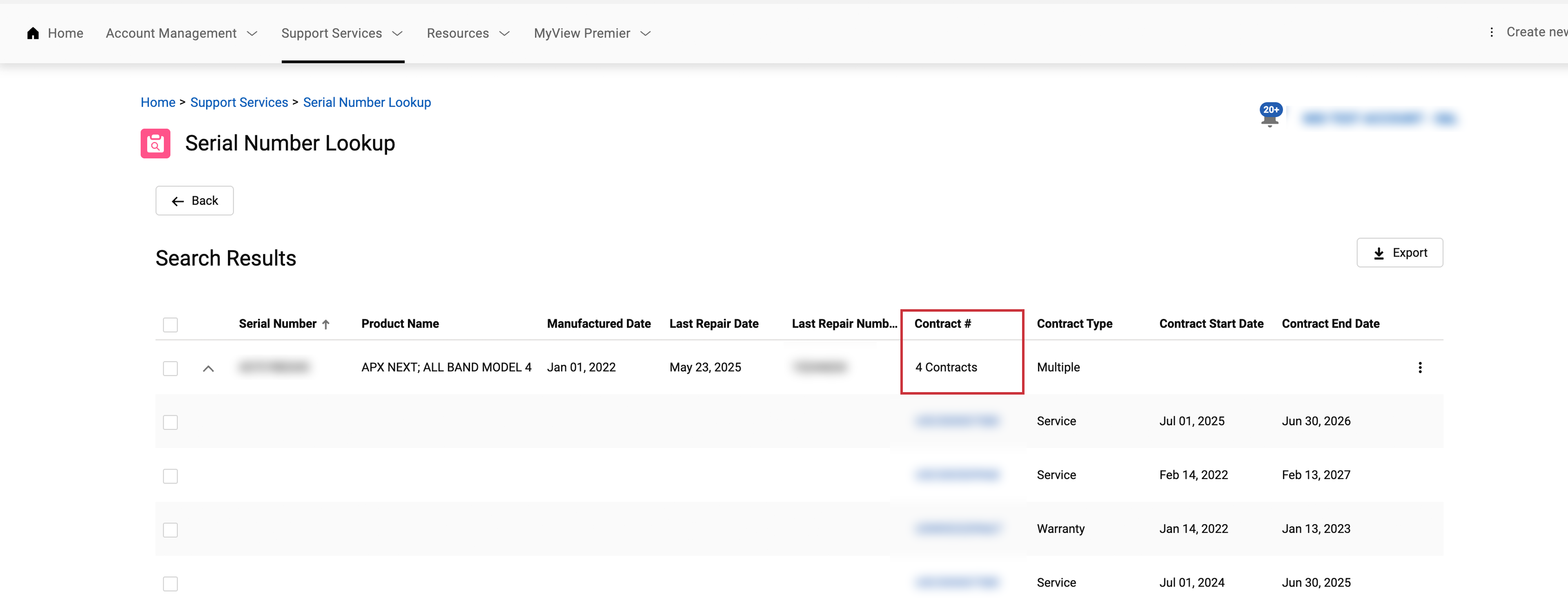
The Serial Number Lookup now lets you find associated contracts more efficiently. You can drill down on a contract number to go directly to a list view of the service contract.
For data security, if the contract isn’t associated with your Motorola Customer Number (MCN), user or account, you will receive the message: “This contract does not belong to your account.” This update streamlines your workflow and provides a more secure way to access contract details.
Order Support in case management
We’ve launched a new Order Support case type to streamline the handling of quality-related issues with orders and deliveries, such as incorrect or damaged items. This new process replaces email communication, capturing all necessary information, including photographic evidence, upfront. This improves efficiency and reduces resolution times. This enhancement is expected to save 3-5 minutes per case when more info is needed and up to 12 hours per case requiring customer-provided photos or videos.