
Stay ahead with the newest release of VideoManager EX. Explore a streamlined experience, enhanced device support and advanced security protocols for your operations.
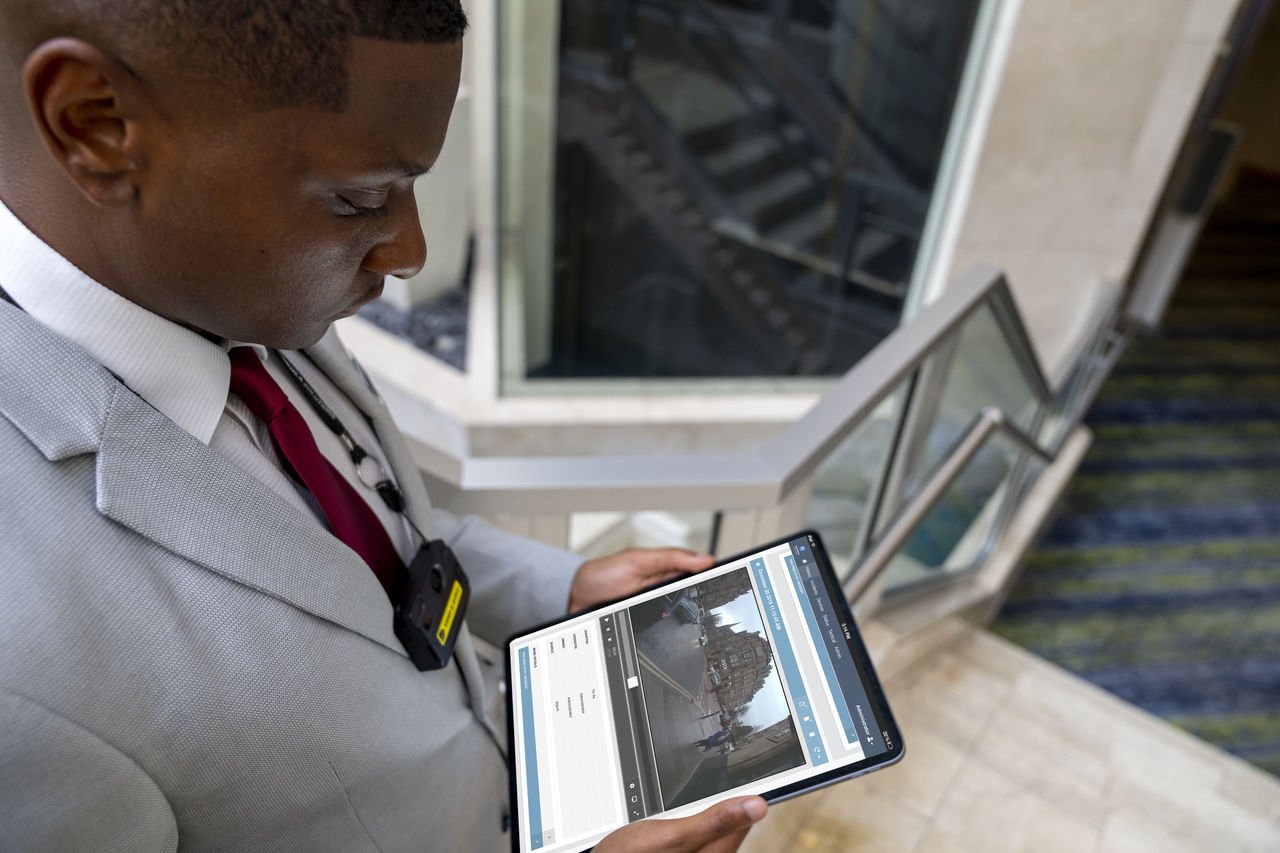
AI Transcription is now generally available for cloud PLUS customers. This enhancement includes speaker detection, inline editing of speaker names and transcript text, clickable text for rapid video seeking, full-transcript keyword searches across media and incidents, verification tracking, and one-click restoration of original transcripts.
It’s important to note that this feature currently supports English, including outputting transcripts in US English spelling. Manual transcription is required for generating video captioning.
You can now find support for FIPS 140-3 compliance across M500, M500E, V700 and SVX devices while maintaining legacy FIPS 140-2 compatibility. Due to upgraded encryption standards, administrators must manually re-enter integration passwords for SmartControl ICV, SmartControl PC Security and SmartControl Mobile Security directly in VideoManager EX to help maintain active integrations.
Also, API versioning now supports FIPS-compliant PBKDF2 password hashing alongside legacy MD5. PKCE extensions are now supported for OAuth 2.0 logins to bolster mobile authentication security.
V200 body-worn cameras can utilize Bluetooth Low Energy (BLE) beacons to help enforce automated No-Record Zones (NRZ). When entering designated sensitive environments, such as private facilities or restrooms, recording ceases, manual triggers are blocked and pre-record buffers are suspended until exiting the zone. Administrators can manage beacon definitions directly through a CSV import interface or API endpoints.
We've significantly upgraded hardware capabilities across several product lines, including:
VideoManager EX now natively supports video playback with multiple selectable audio tracks from V200 cameras or imported files, allowing users to choose specific streams during playback or incident exports. Direct viewing of HEIC images and playback for MKV media files have also been introduced.
When moving devices into "Service required" mode, the system now retains the last assigned user, allowing supervisors to easily filter for these units. Managing physical locations is streamlined with new dock search filters based on custom dock tags. Touch Assign RFID card IDs are now explicitly logged under DEVICE_ASSIGN audit log events.
You can now utilize Hikari for database connection management. Database query optimizations yield significant speed increases for both Media reports and Device Field Trip operations. Obsolete security standards and legacy components, including WEP network support, 'Computer Analysis' and 'Silos', have been retired. UI improvements dismiss Device Profile save confirmation banners after two seconds and apply translations to PDF report headers. Additionally, secure logging now masks sensitive and personally identifiable information in verbose web API logs.
To learn more about these and other updates included in the 26.3 release, check out the release notes.
Don't miss the latest features and product news! Click here to update your communication preferences.
Work faster and get more complete evidence with AI-assisted transcriptions. You can now quickly transcribe video audio and search transcripts for faster view navigation.
*Please note: This is a preview feature exclusively for cloud PLUS customers. Please contact Support to opt-in.
Discourage unauthorized sharing of sensitive information. Advanced watermarks on exported videos include multiple metadata overlays and titled watermarks.
You can instantly recall critical information with help from the saved search feature, now available on the ‘Search Devices’ and ‘Search Docks’ pages.
Get crucial device information faster. The ‘Last seen’ column shows when VideoManager EX last saw a device.
Easily toggle your audio to on/off directly from the tactical video wall.
Collect more footage in one place with the ability to import videos up to 100GB and 14 hours. This feature is currently only available to cloud customers.
VideoManager EX now supports SAML 2.0 as an authentication method for both IdP-initiated and SP-initiated modes to help simplify your login process.
Microsoft Windows 10 reached its end of support on October 14, 2025 and VideoManager EX no longer supports it from release 26.2 onwards. The installer will exit if you attempt to install VideoManager EX on a Windows 10 computer.
To learn more about these new features, check out the Mobile Video Download page for the software installer, release notes and device-specific information.
Don't miss the latest features and product news! Click here to update your communication preferences.
We've updated the Media & Incident Details page layout to save you time. Now, panels stay organized on the right side of your screen and most buttons have been moved to the overflow menu.
We added several new columns to the media report so you can gather more detailed information for every incident. These new fields include:
You can now narrow down your audit log searches by setting a custom date range.
We give you more control over how you receive critical alerts. In addition to displaying them within VideoManager EX, you can now receive escalation notifications via email or SMS. Customize your preference easily within Admin.
You can now configure metadata replication at the individual site level with new, flexible modes:
To learn more about this and other device-specific updates, read the release notes.
Don't miss the latest features and product news! Click here to update your communication preferences.
Upload your videos faster with the ability to administer your device remotely over WiFi. When a V200 is plugged in and within range of a specific WiFi network, the device will automatically go into WiFi docking mode and start offloading.
This requires the V25.4 device firmware.
Enhance security with the new certificate-based mutual authentication between VideoManager EX and some devices. This feature will highlight any “unverified” devices and can block communication with them.
Supported Devices: VB400 and V200
Unsupported Devices: VT100, VT50, EC200 – do not enable this feature if you have an estate containing these devices.
Please see the release notes for specific information and prerequisites of this feature.
The deletion policy page has been reformatted to a more intuitive structure. You can now manage your deletion policies from the UI and add advanced deletion policies to media and incidents.
VideoManager EX now includes a Help Center icon for easier navigation.
Download the latest instance of VideoManager EX and device firmware here.
You can now add custom tags to docks, which allows you to group and search by them. This feature allows you to categorize media offloaded from each dock and search by those tags.
LDAPS (Lightweight Directory Access Protocol Secure) is a secure version of the LDAP protocol, which is now supported for Active Directory connections (User Import Tool).
The V500 now supports direct pairing with HolsterAware sensors. This feature supports 1 sensor and works with Gen 1 (USB-micro) and Gen 2 (USB-C) sensors.
VideoManager now fully supports the M500E ICV device. An M series license and the SmartControl app are required. Features supported:
Device creation
Device configuration
Wireless evidence offload
Evidence playback
Onboard WiFi
Remote RATF
Remote state capture
Firmware upgrade
Live stream to VMEX
Event SD card upload
Read the release notes and download the latest software and device firmware here.
Autocomplete chips are now available in media search. This feature allows you to add multiple entities to the following fields:
Owner
Device operator
Source
Adding entities to these fields is also faster than before, saving you valuable time.
You can now save your commonly used search combinations, allowing you to run them instantly in media search. You can also populate search queries without running them immediately for future use. This feature helps speed your workflow.
The search by duration feature allows you to search for media based on its duration. You can enter a time and even filter for less or more time than the specified duration. This provides an additional search filter, helping you find media faster.
Speed the media management process with the ability to edit directly from search results. After using the new and improved search features, you can click the pencil icon directly from search results, which will open the editing and tagging view.
*This feature requires the “edit media” permission.
You can now download your reports as a CSV file, which allows you to continue downloading reports even on a network that blocks ZIP files. The download as a ZIP file feature is still available.
There is now an integration between VideoManager and Auror, the retail crime intelligence platform, for customers who use both platforms. You can export video evidence directly into Auror, add the video to an existing case or create a new case.
You can now hold a bi-directional, full-duplex voice conversation between a V200 user and the VideoManager operator. This is done via WiFi, enabling real-time support.
You can also send an escalation alert with GoLive Audio to Sentinal, an alarm monitoring software.
The USB drive built into the M500 system can now be removed and have its digital evidence transferred to VideoManager. This is especially helpful in the event of an M500-equipped vehicle crashing.
This feature requires the Transfer Agent and ECMS to be downloaded from the VideoManager EX downloads page.
You can now automatically stop recording on the M500 with the same triggers that you use to start recording. For example, if turning on your lightbar triggers a recording to start, then turning off the lightbar will automatically stop the recording as well.
To learn more about the new features and enhancements, read the release notes.
To download the software and firmware, visit the VideoManager EX downloads page.
Stay informed of actions being taken on your incidents. You can now send email alerts to users who have incidents that will be deleted soon. The email is sent at least 7 days prior to deletion.
Make selections for image quality on the VB400 device profile. You can also use turning adjustments on images, such as alternative automatic exposure.
For users who are utilizing the Interview Recording System, two IP cameras can now be added to the M500 system managed in VideoManager EX.
Save battery life and maximize the use of your V200. When your V200 is idle, it will default to powering off.
You can now enable or disable Resilient Touch Assign (RTA) on multiple docks at one time.
Save power by enabling reduced power consumption mode, which automatically powers off the VB400 and V200 when it is docked, has offloaded its media and is idle.
Please note: Cameras are not assignable and must be manually powered on to return to operations. Assess the operational impact on your organization before enabling.
Video will now play back with sound when using the iOS Safari browser.
Learn more about the 25.1.3 release and download the software here.